MOTION FOR SAAS & TECHNOLOGY

Complex product.
Clear story.

Product videos, walkthroughs, and explainers that make software click.

01 / SELECTED WORK

Good products.
Moving stories.

The brands. The brief. The films.

Foyr Manage

01 / 04

From a spoken request to a project update.

Project details ↗
OUR ROLE
Storyboard · Visual design · Animation

The communication challenge

Make a software capability tangible: show how a spoken instruction becomes a useful update, rather than asking viewers to imagine what the technology does.

A workflow viewers can follow

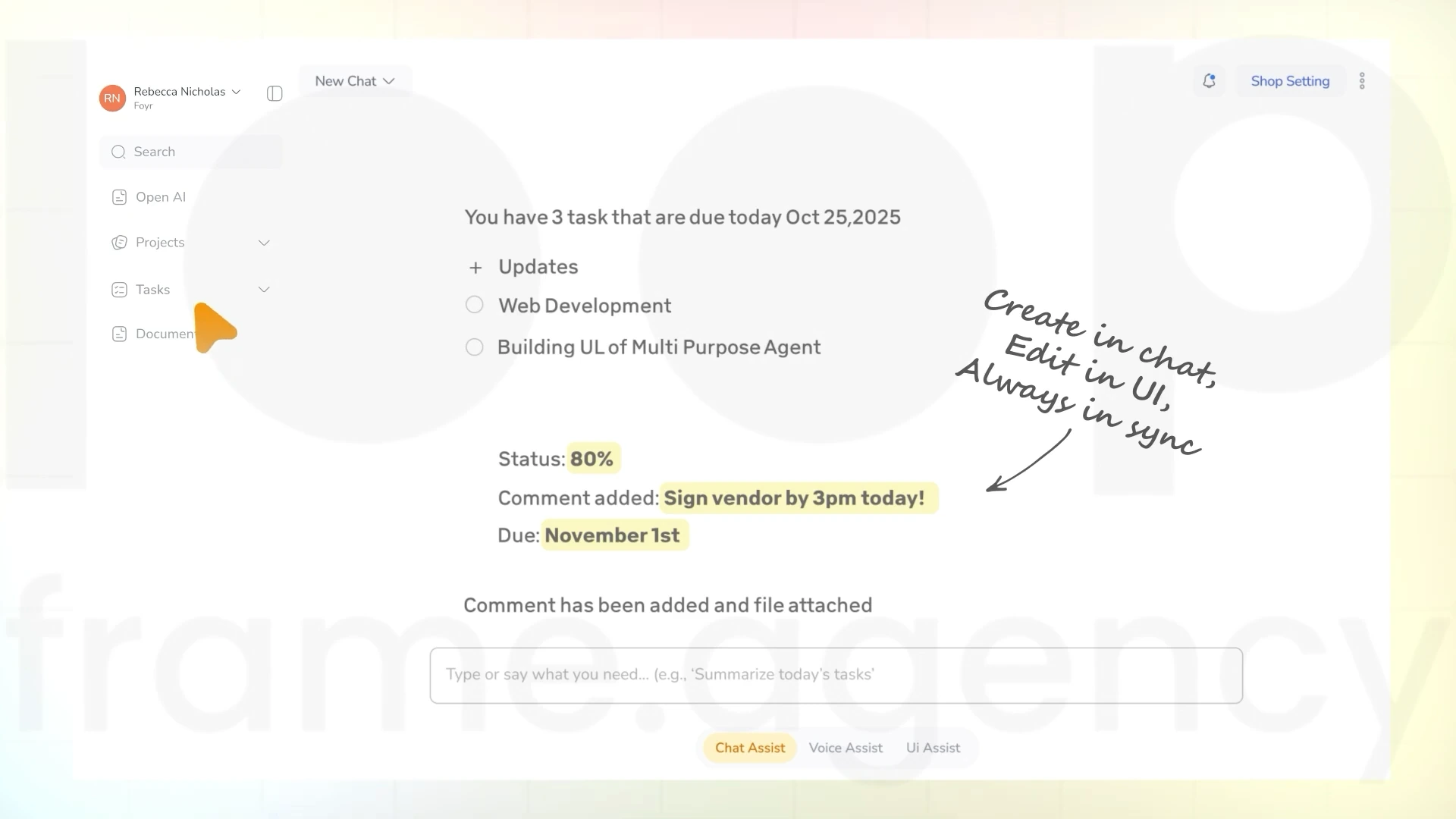
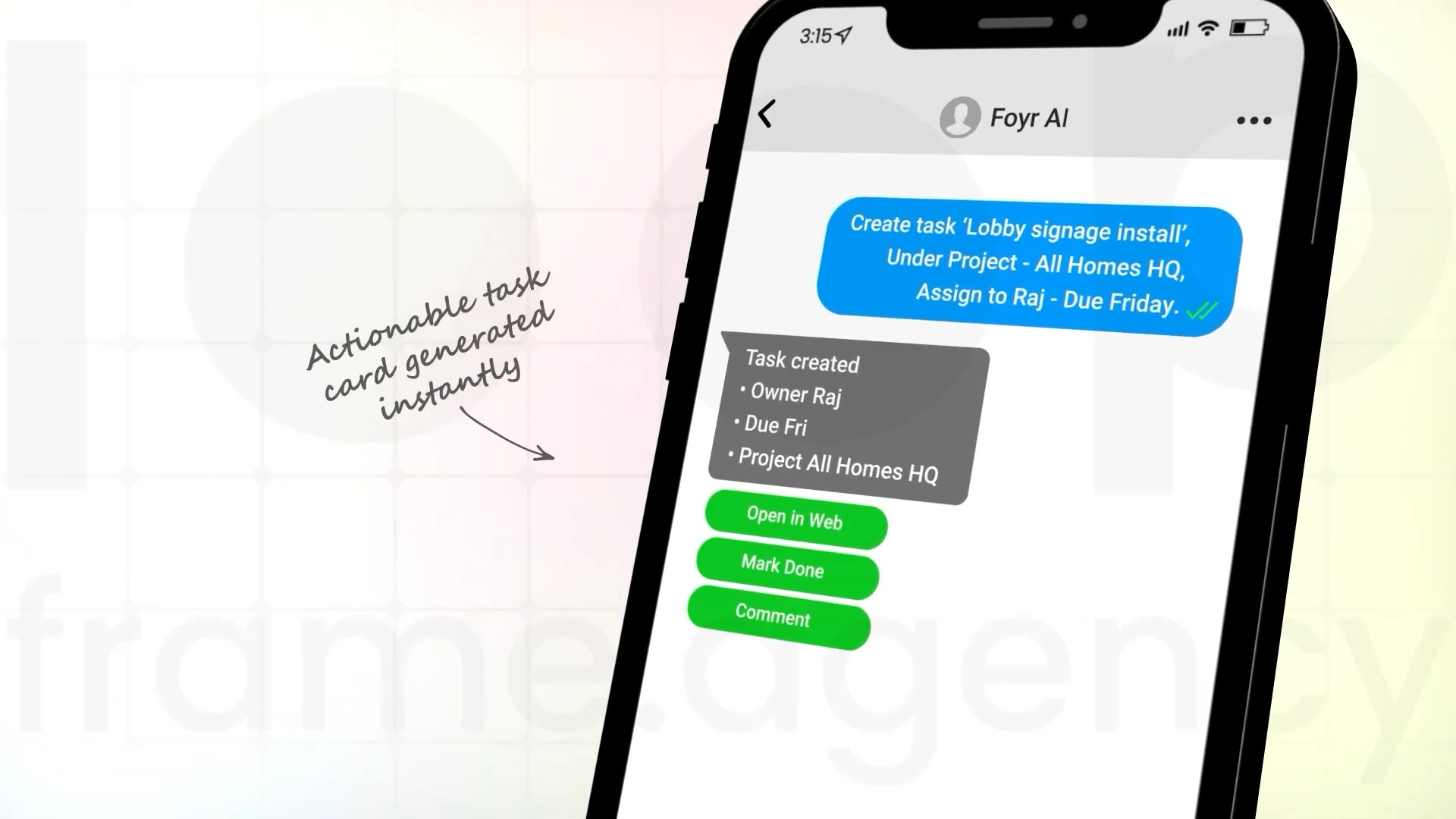
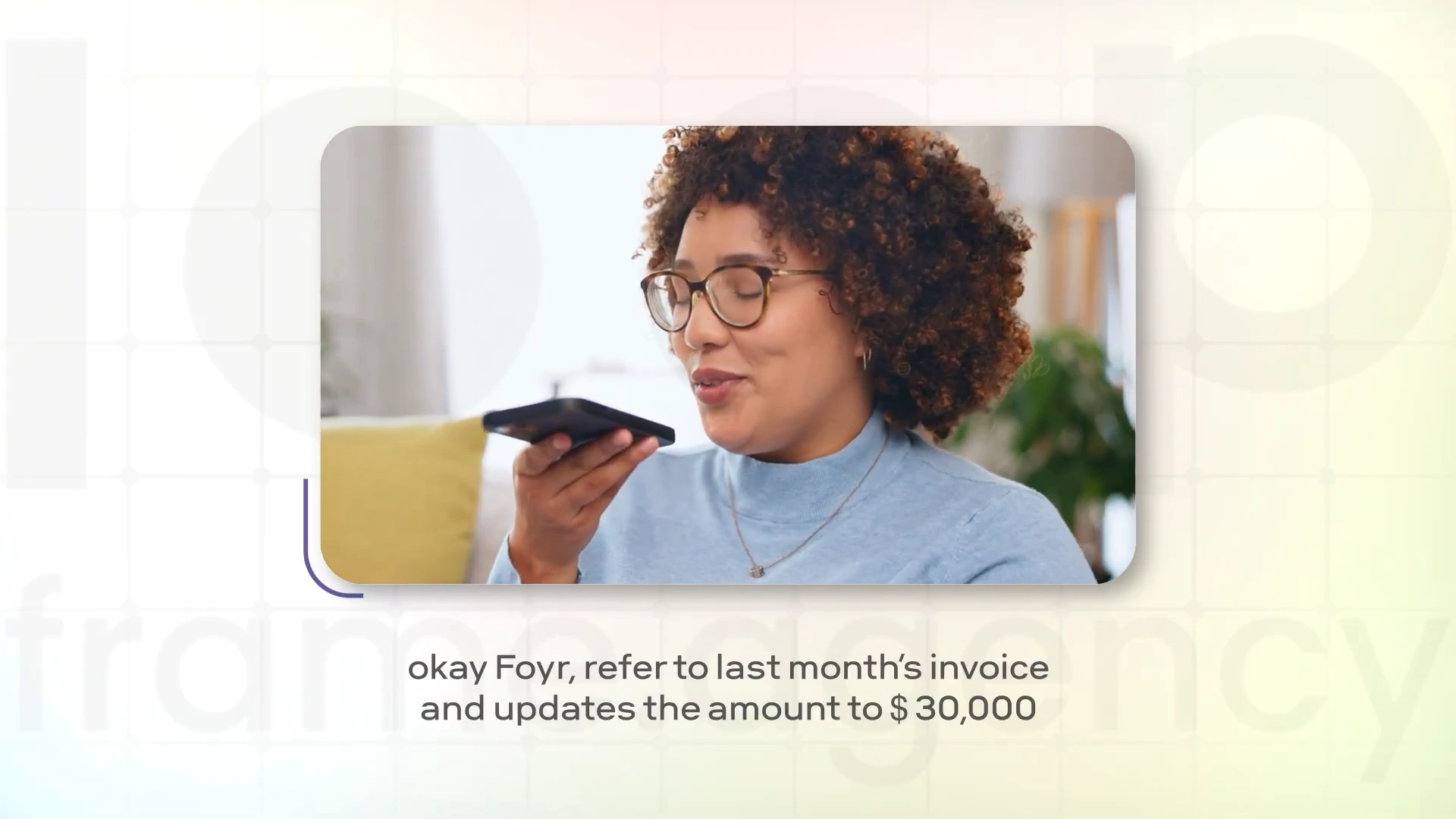
The film puts a concrete exchange at the centre of the explanation. A question about lobby signage leads to a progress update, a pending vendor proof, and a revised due date. A second sequence shows an invoice being updated from a spoken request. These small, recognisable tasks give the product story something specific to demonstrate.

What the film makes clear

How the product fits into day-to-day project work—and what happens after someone gives an instruction.

A CLOSER LOOK

The Storyboard

The moments that shape the film.
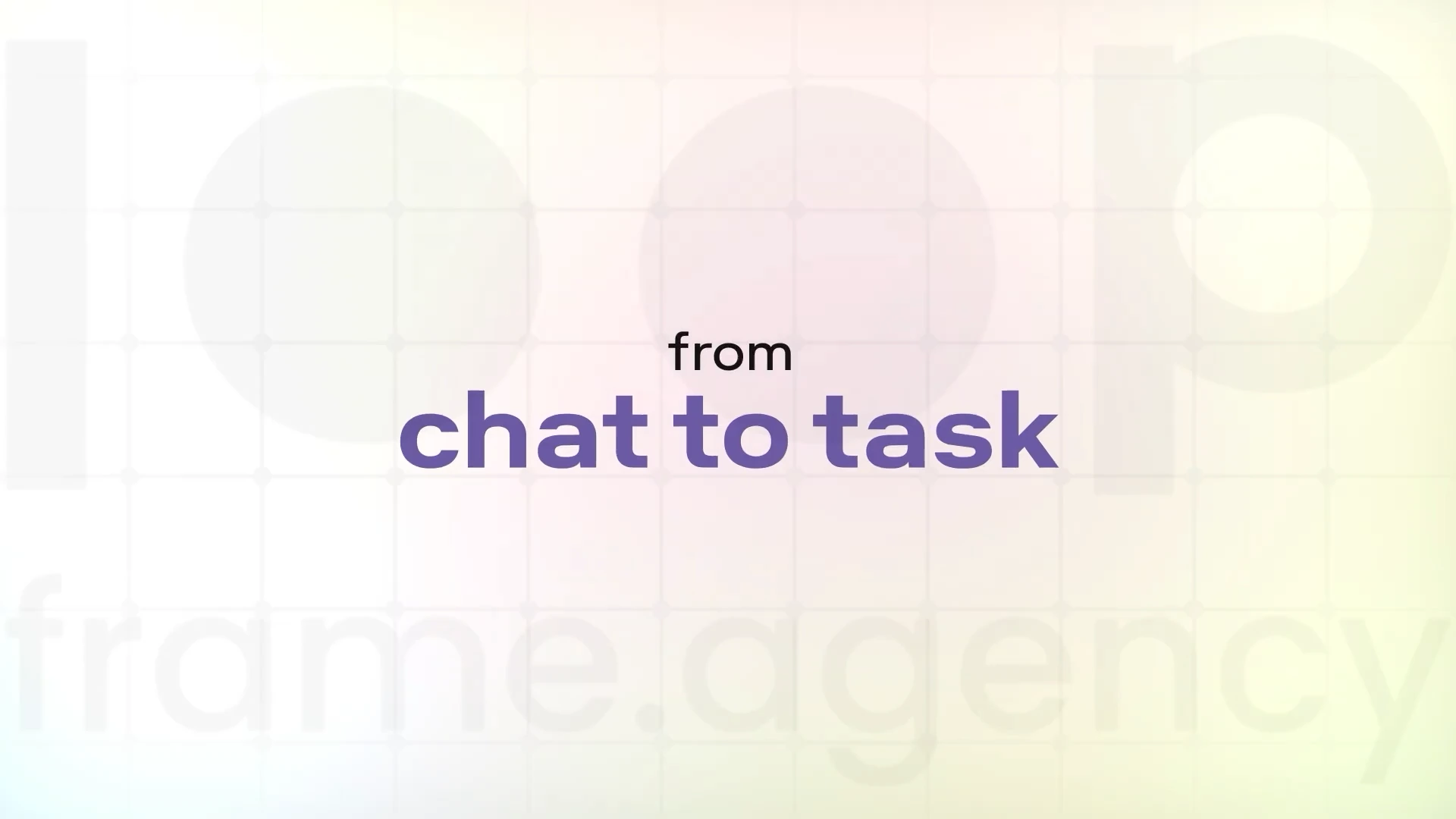
The words “from chat to task” appear in purple on the film’s pastel background.
01From chat to task
A tilted phone shows a chat request converted into a task with action buttons.
02A task takes shape
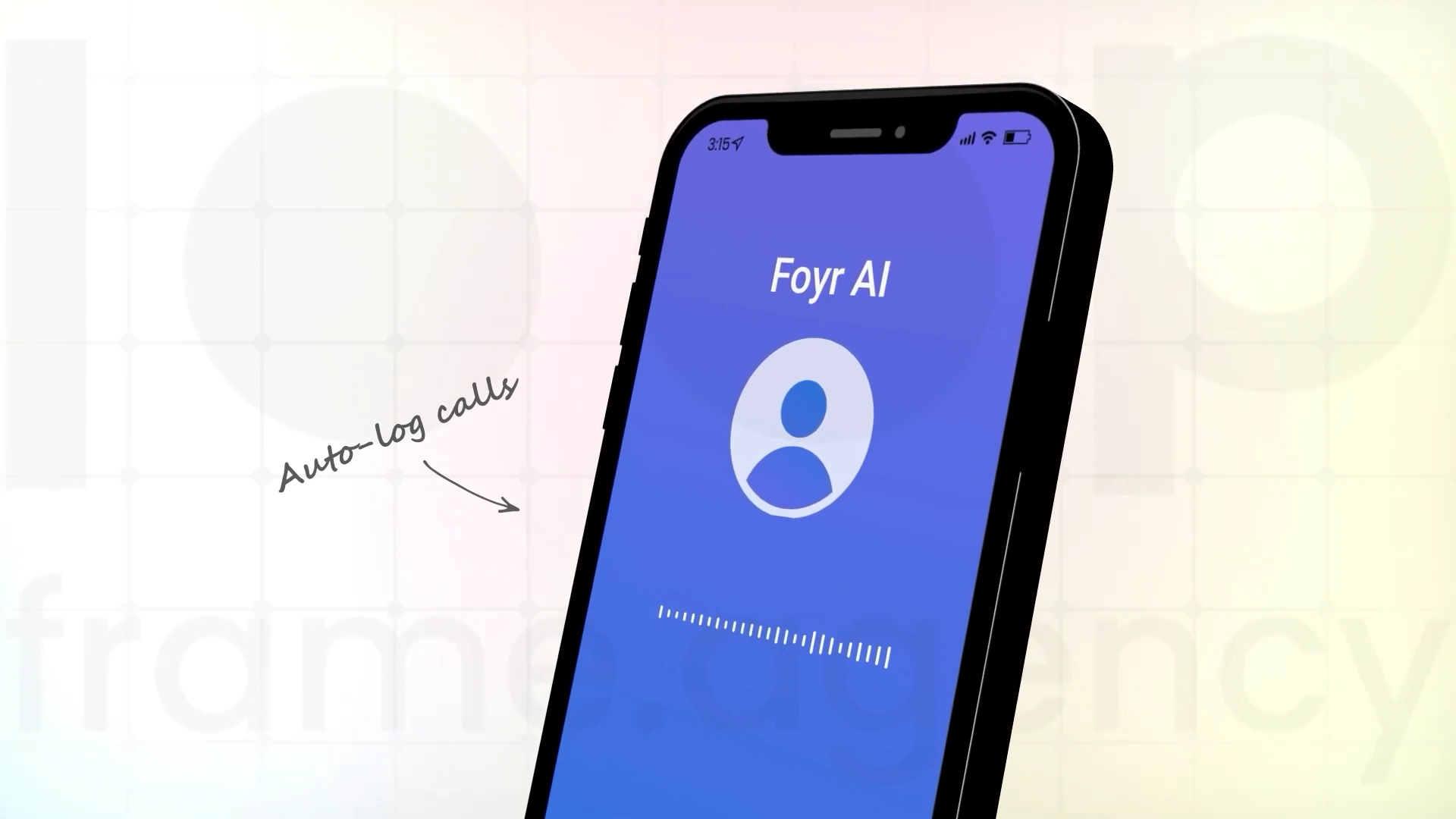
Foyr AI call screen with an animated audio waveform and auto-log calls annotation.
03The voice conversation
A woman gives a spoken instruction to update an invoice on her phone.
04An instruction in context
A project workspace shows task status and a comment update.
05The update on screen
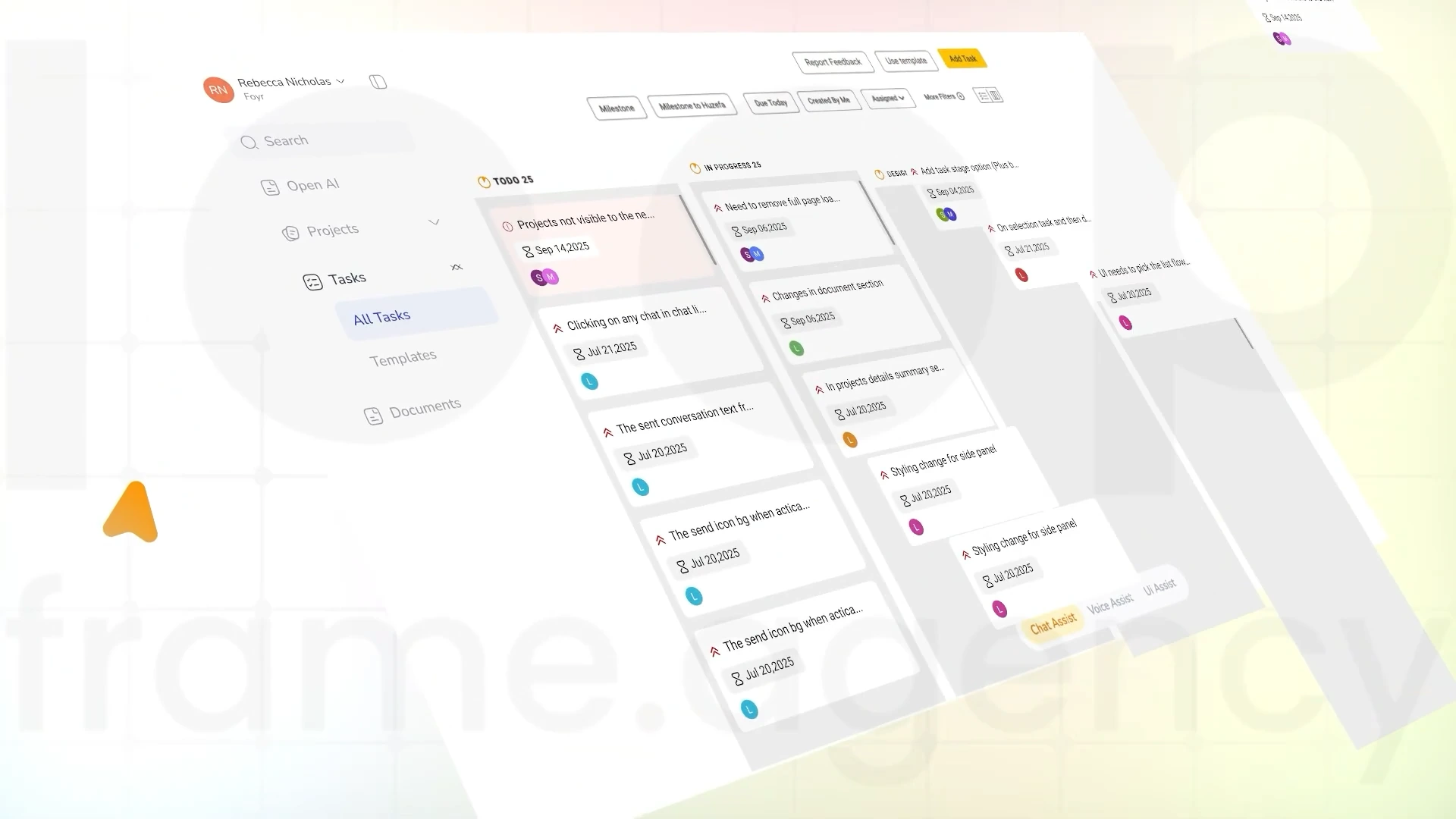
An angled project board displays tasks arranged across workflow columns.
06One connected workspace
Read the project story ↗Watch on YouTube ↗

Beet.Health

02 / 04

A nutritionist’s working day, made easier to explain.

Project details ↗
OUR ROLE
Storyboard · Visual design · Animation

The communication challenge

Explain a platform that spans food logging, client progress, and practice administration without turning the film into a long feature list.

Start with the nutritionist’s day

The story opens with a familiar problem: a good diet plan is only useful if a client can follow it. It then shows photo-based food logging, recipe plans, and progress tracking before moving into scheduling, payments, and records. The practitioner’s perspective connects each capability to a task they already recognise.

What the film makes clear

How client follow-through and practice administration connect in one platform, leading viewers towards the film’s demo invitation.

A CLOSER LOOK

The Storyboard

The moments that shape the film.
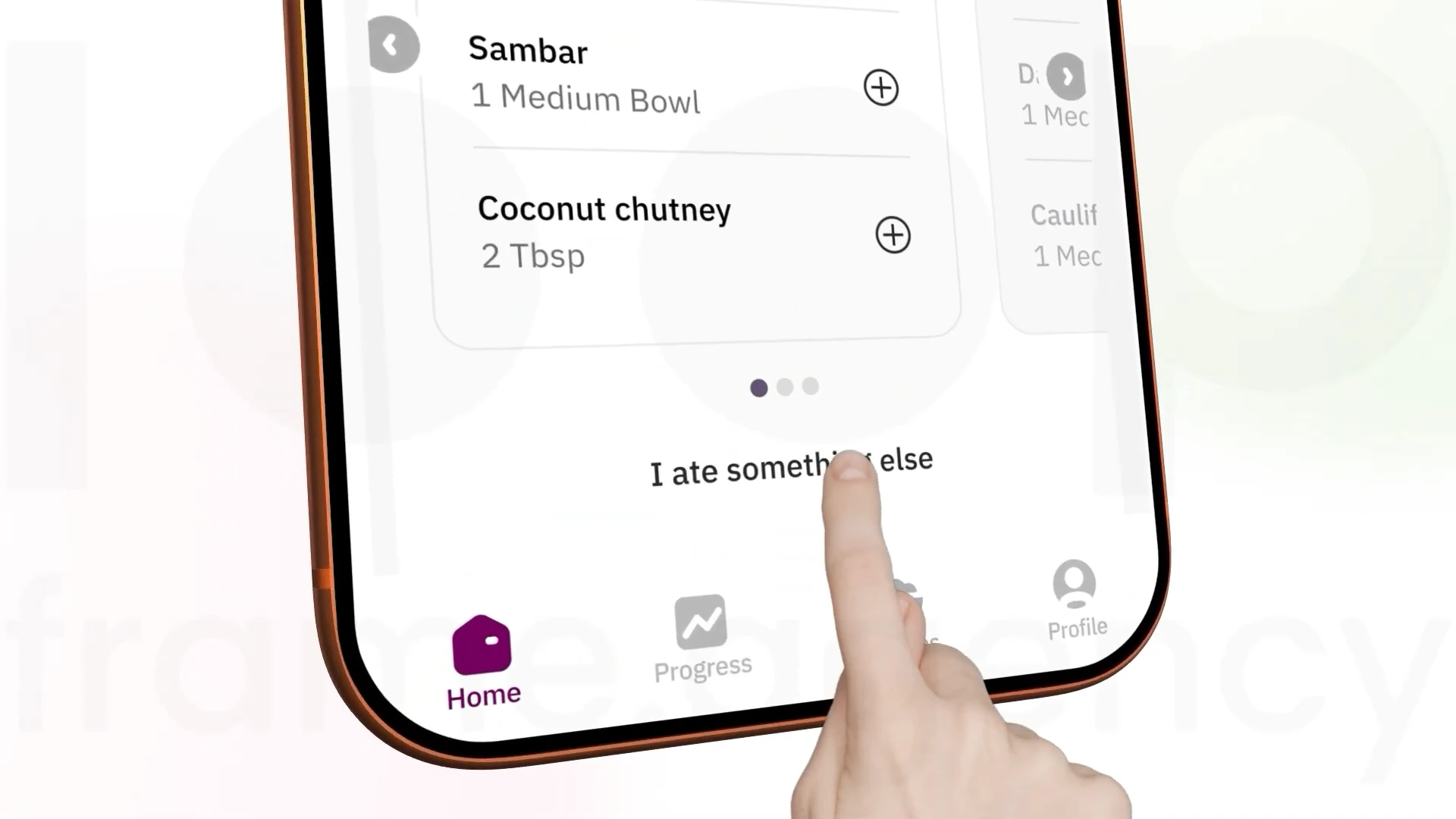
A hand taps the food logging interface on a phone.
01Make logging simple
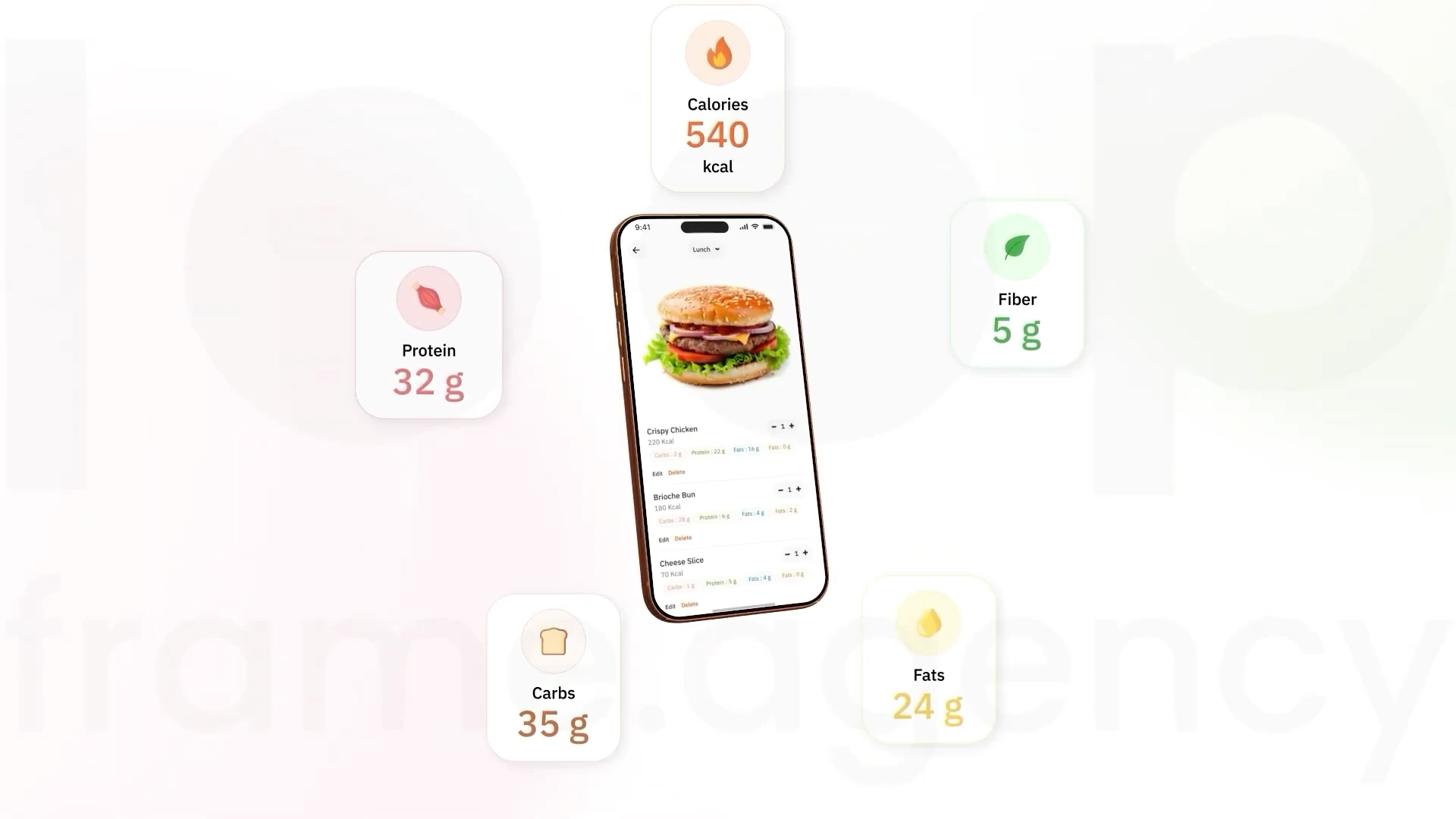
A phone showing a meal is surrounded by calorie and nutrient cards.
02Nutrition at a glance
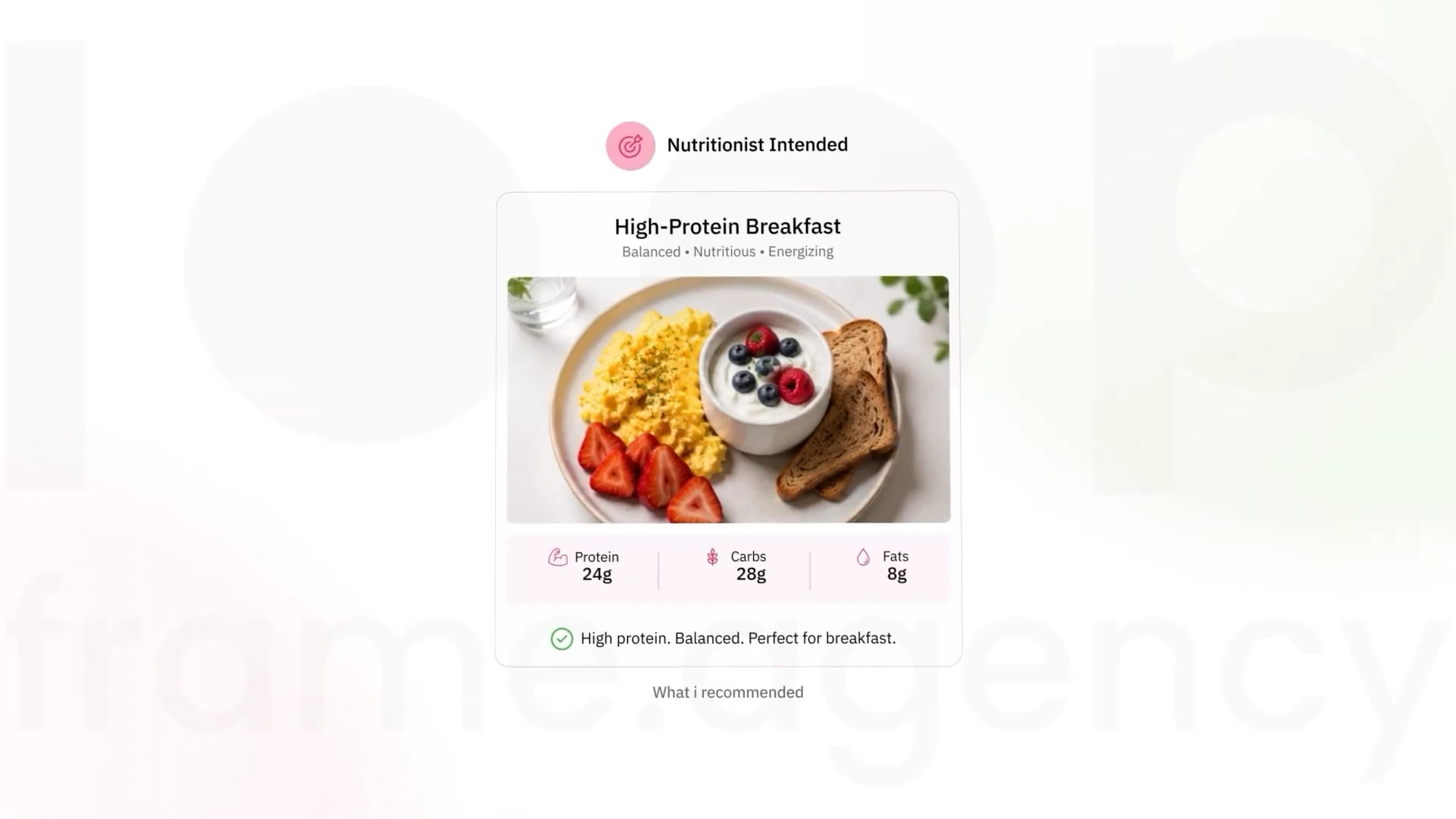
A high-protein breakfast recipe card shows a meal and its nutrition information.
03A plan for the day
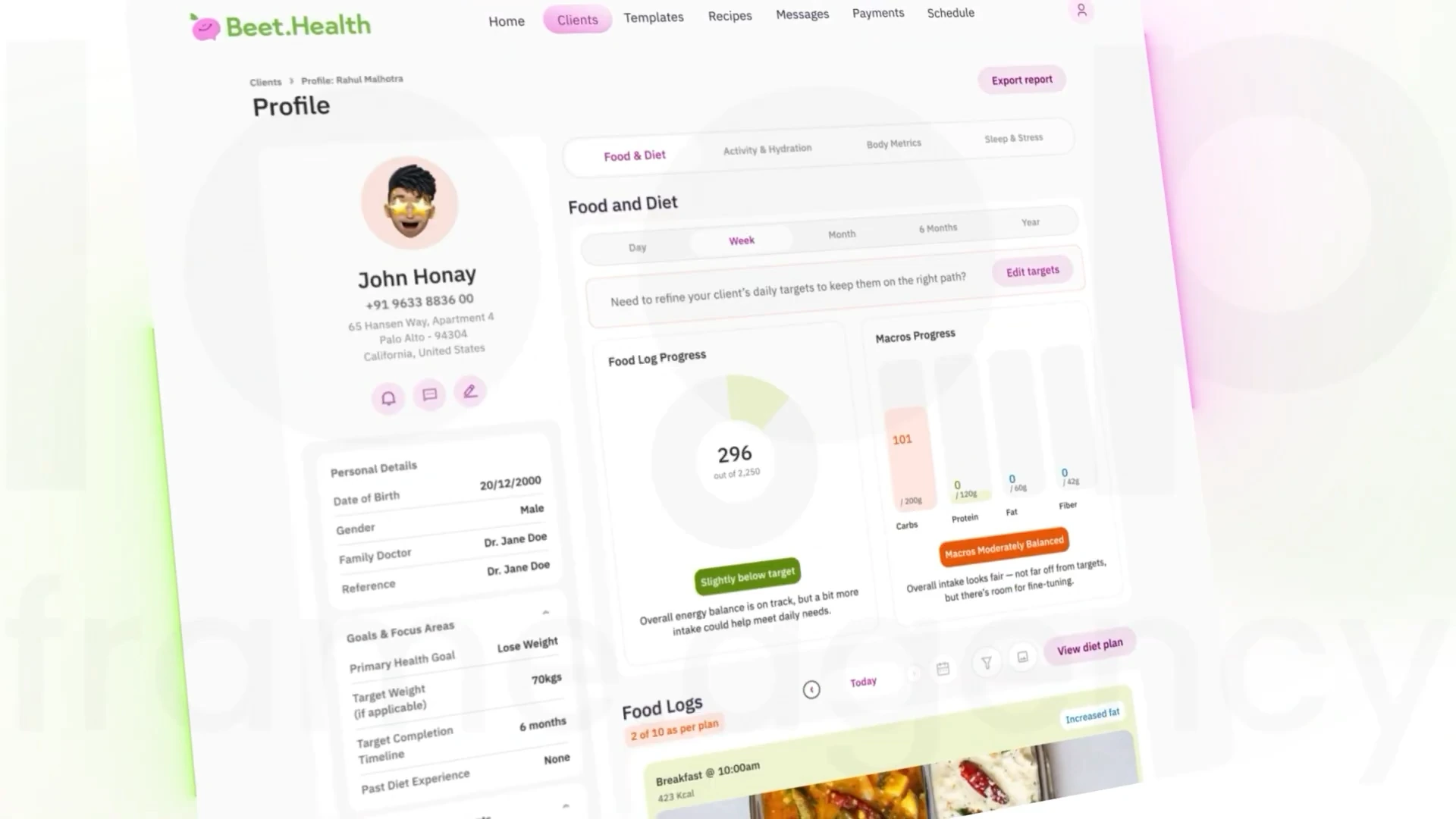
The Beet.Health client profile brings progress charts and food logs into one view.
04See client progress
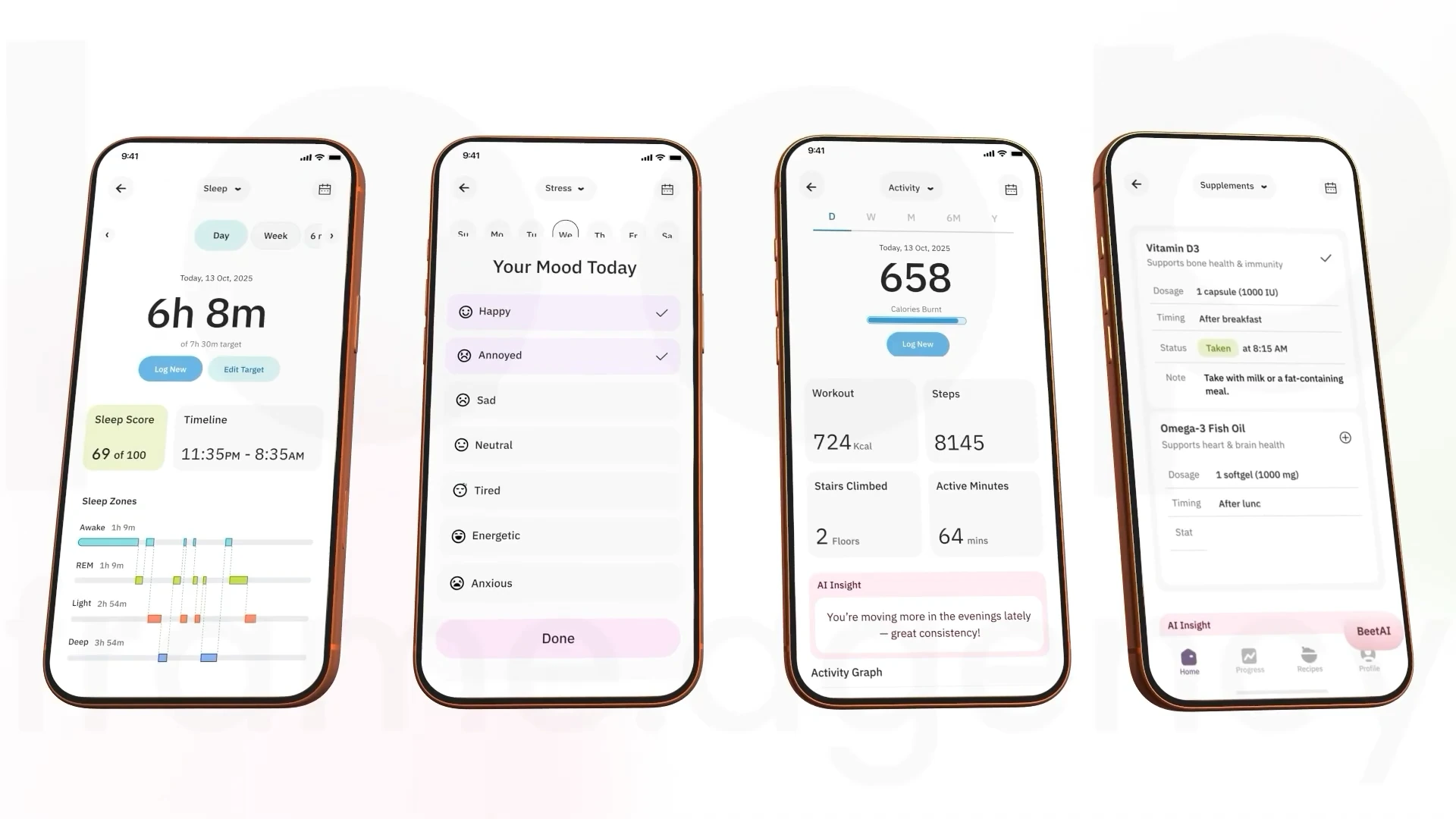
Four phone screens show sleep, mood, activity, and symptom tracking.
05The everyday routine
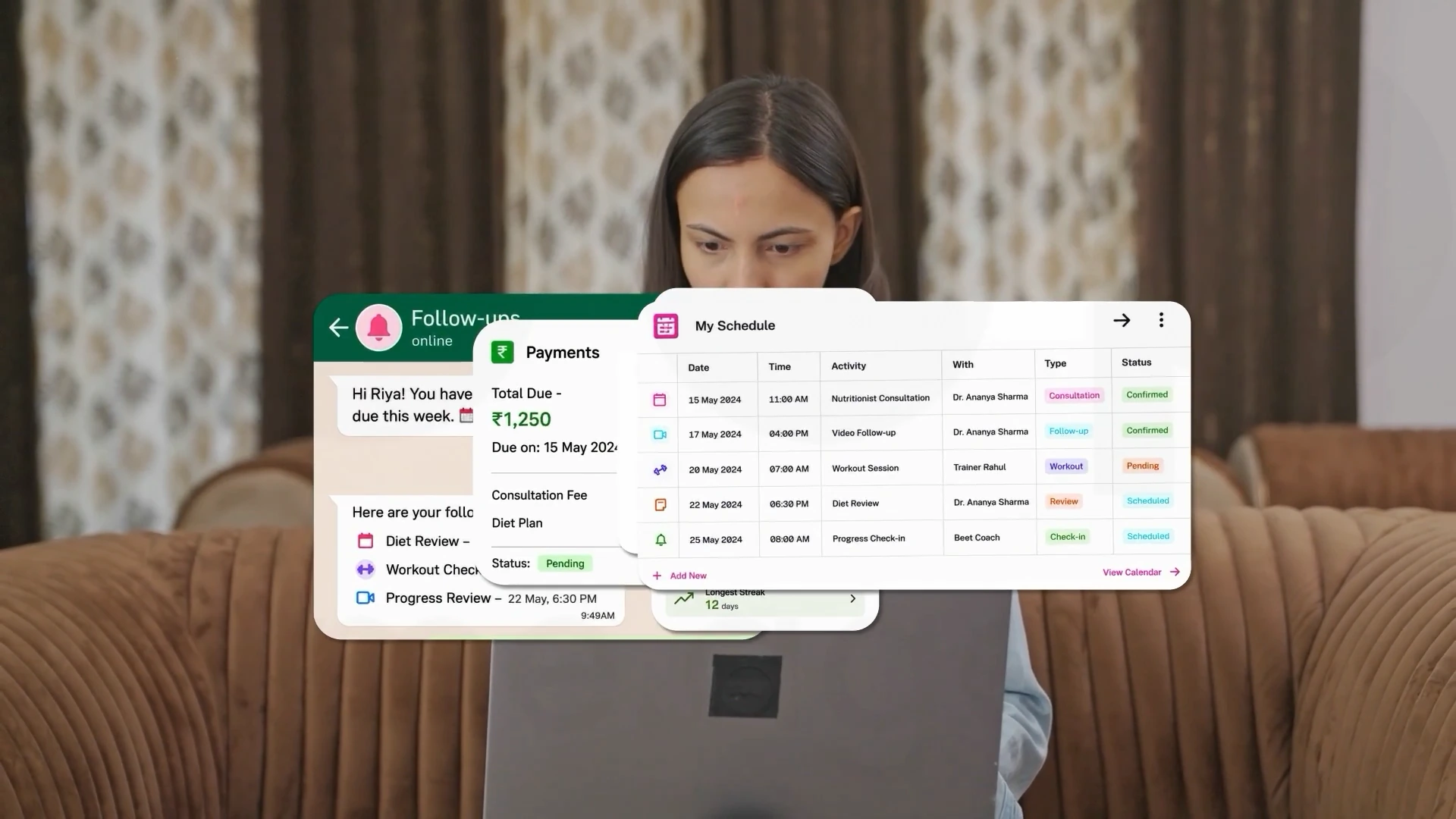
Payment and schedule interfaces appear around a practitioner working on her laptop.
06Behind the practice
Read the project story ↗Watch on YouTube ↗

Iqigai.ai

03 / 04

Put the hiring experience in the picture.

Project details ↗
OUR ROLE
Storyboard · Visual design · Animation

The challenge

Introduce a hiring platform through something tangible: the candidate profiles a viewer would actually evaluate. The film needs to make a people-focused product legible without losing energy in dense interface details.

The creative approach

Candidate cards become the visual anchor. Skills, experience, availability, and hiring actions appear inside a consistent blue visual world. Moving the cards through the frame keeps the interface central while changing scale gives individual details room to register.

What the film makes clear

A hiring platform is easier to picture when viewers can see the candidate information and actions it puts in front of them.

A CLOSER LOOK

The Storyboard

The moments that shape the film.
The Iqigai.ai logo sits above an AI engineer search query on a blue background.
01Start with the right search
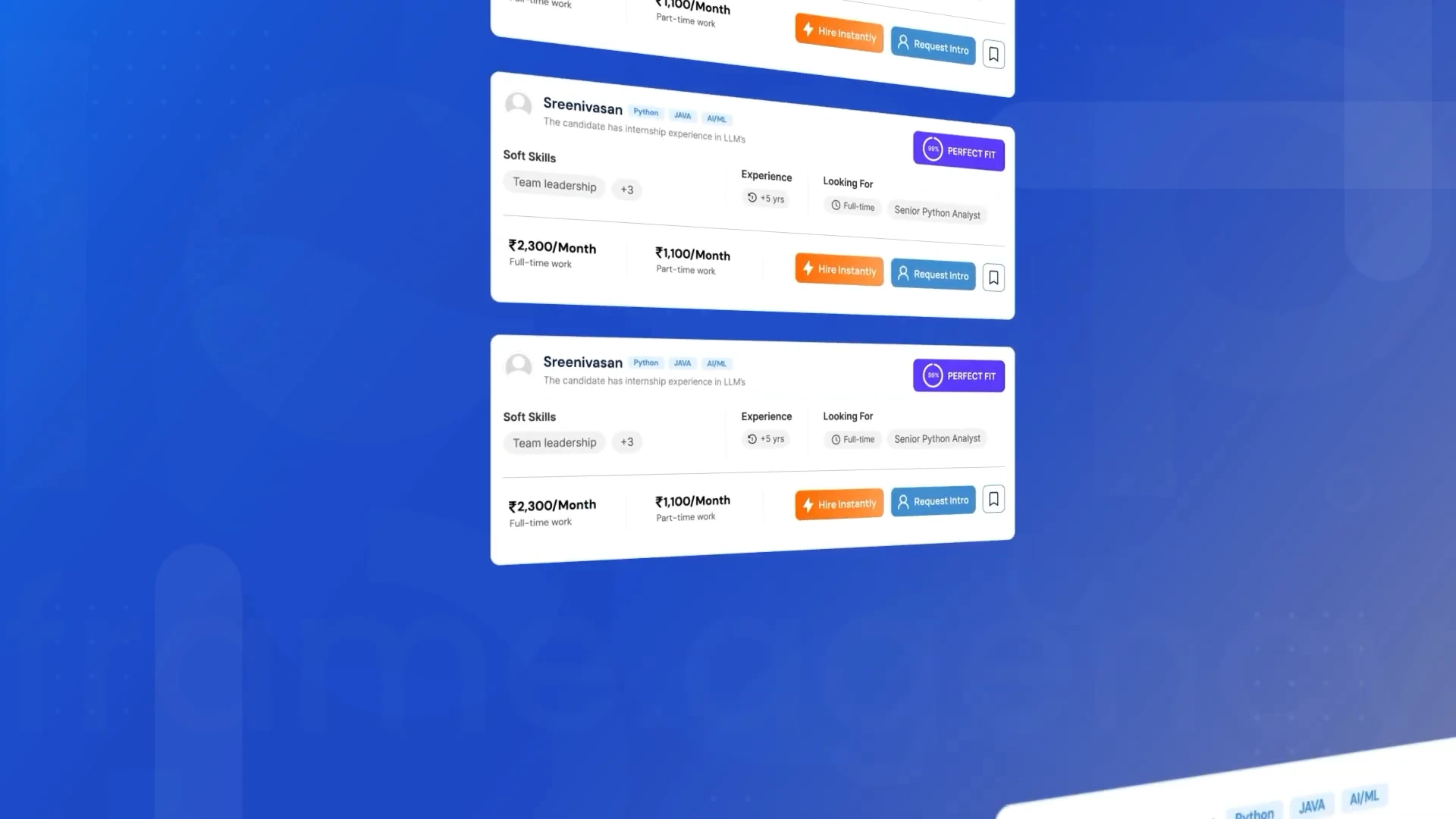
A vertical sequence of candidate cards displays experience and hiring actions.
02Meet the candidates
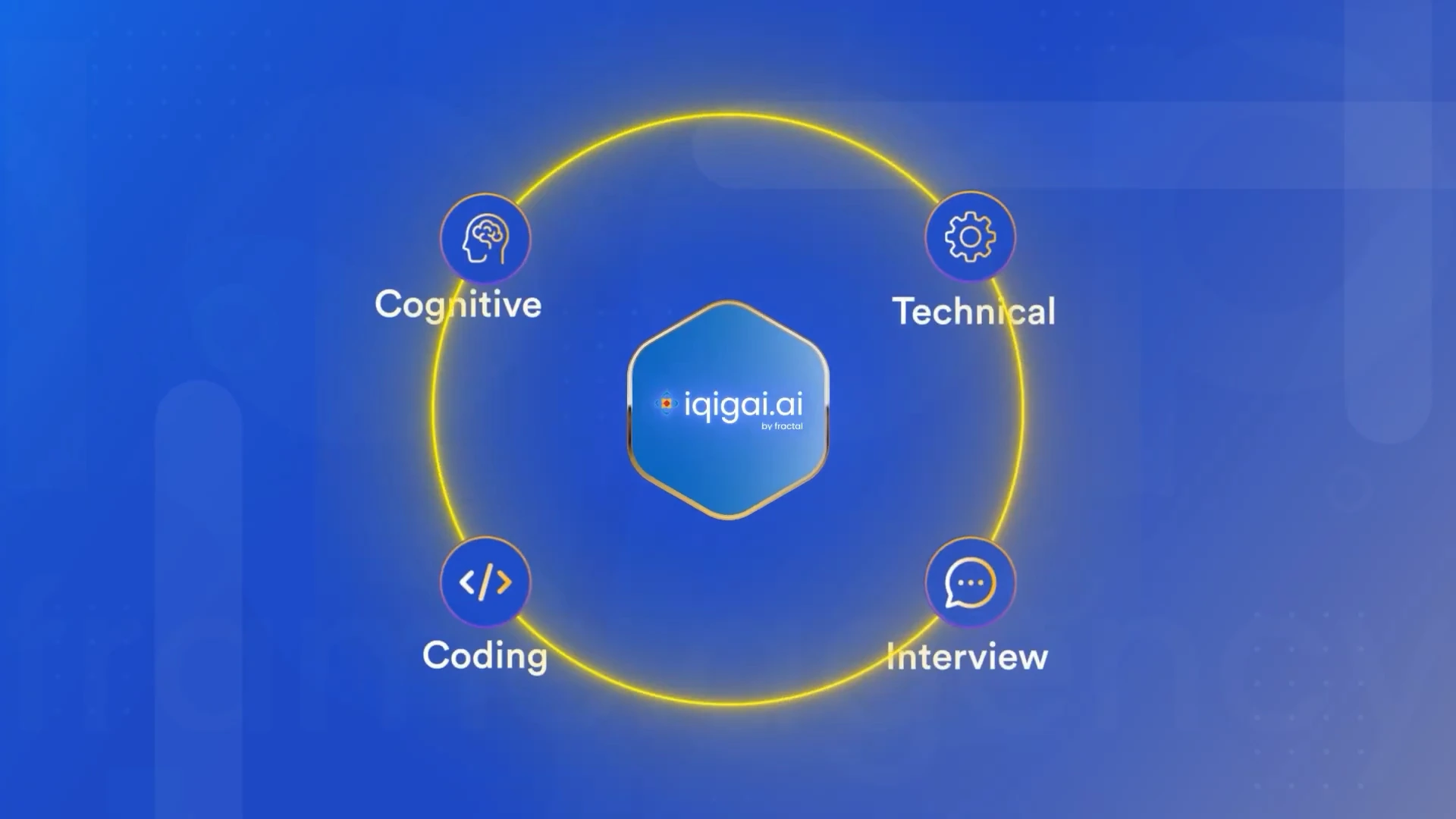
Cognitive, technical, coding, and interview labels orbit the Iqigai.ai mark.
03Connect the skills
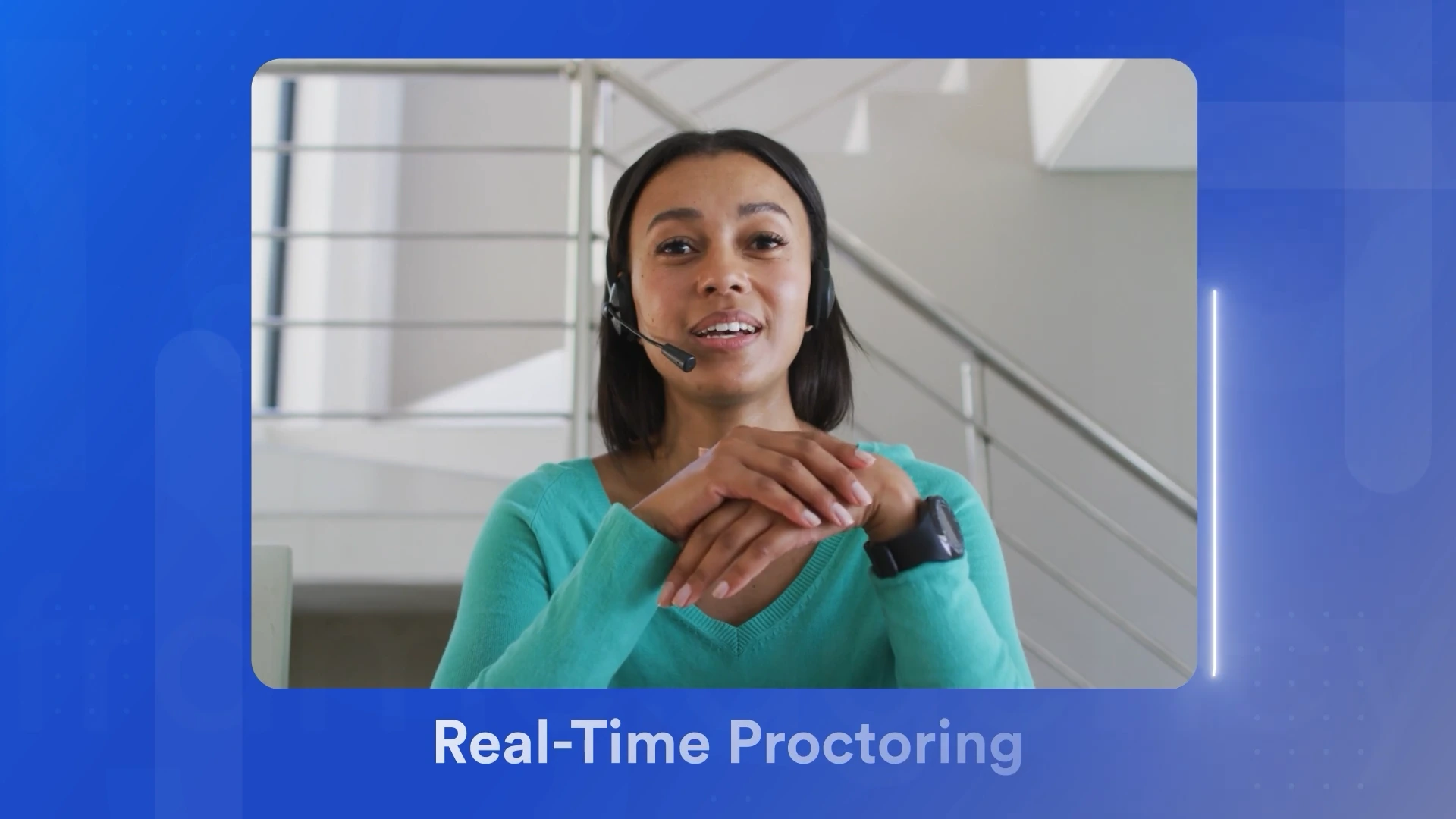
A woman wearing a headset appears inside the real-time proctoring sequence.
04The human side
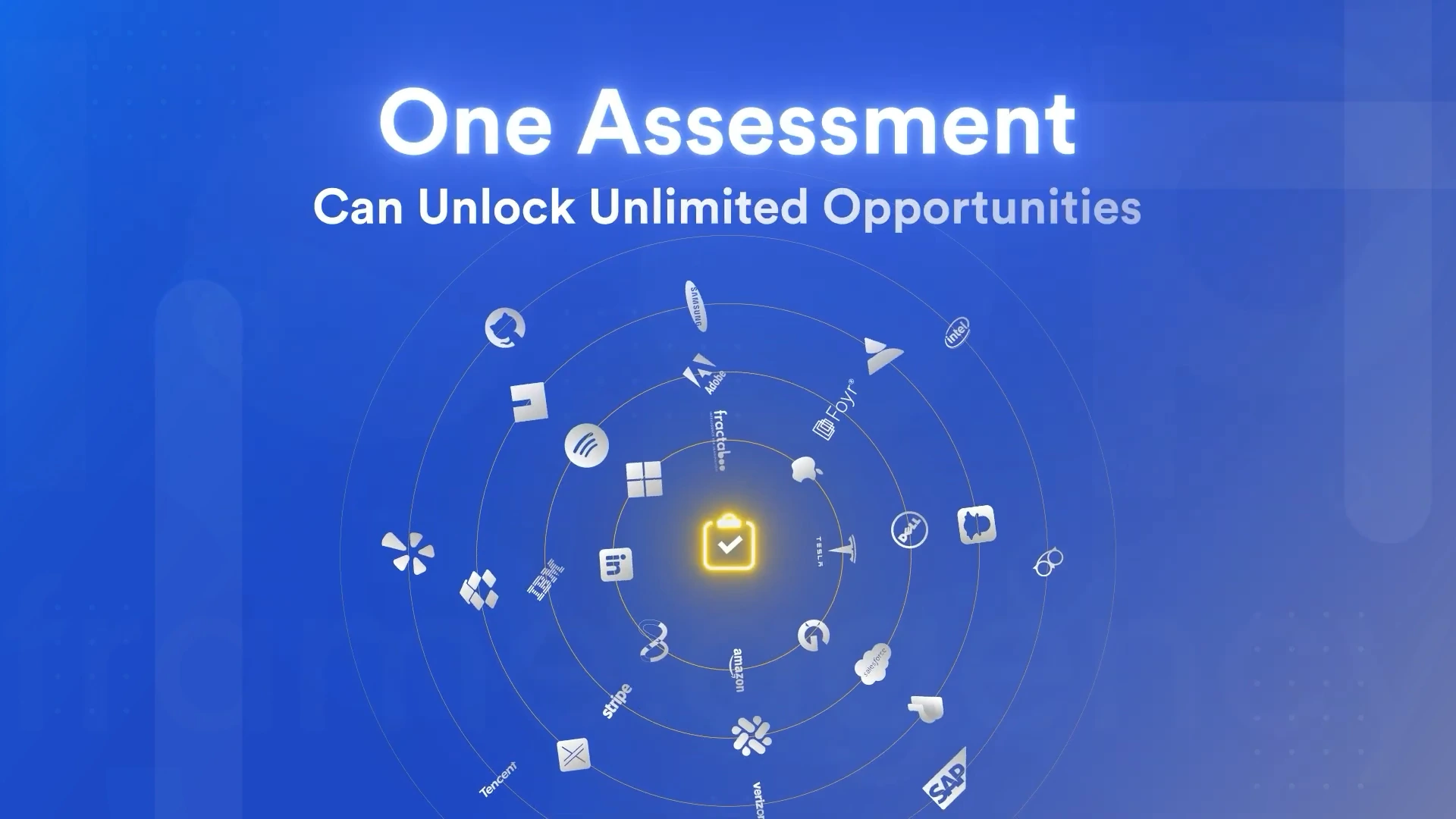
Technology marks orbit below the headline One Assessment.
05A world of opportunities
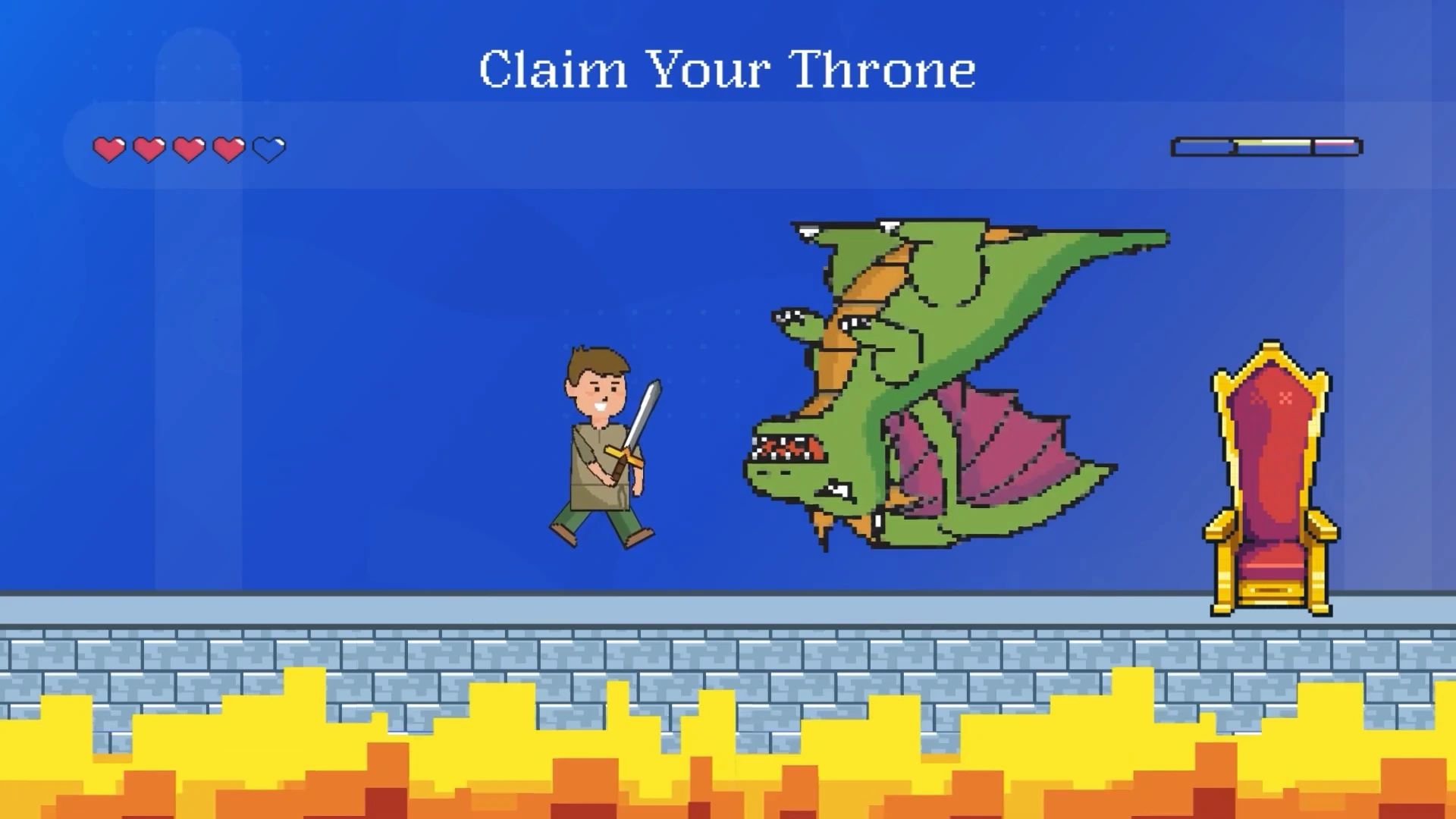
A pixel-art hero faces a dragon beside a throne in the film’s game-inspired finale.
06Claim your throne
Read the project story ↗Watch on YouTube ↗

Bullsmart

04 / 04

Make financial complexity feel approachable.

Project details ↗
OUR ROLE
Storyboard · Visual design · Animation

The challenge

Introduce an investing brand in a short film without asking the viewer to absorb a wall of financial terminology. The visual story has to acknowledge complexity while giving the audience a clear route through it.

The creative approach

Floating financial terms establish the busy world of investing. The sequence then brings in connected paths and chart-shaped cards. A restrained cream palette and mint accents let changes in position, scale, and rhythm carry the explanation instead of competing with it.

What the film makes clear

The subject is investing; the visual approach makes its many moving parts feel connected. This is a communication outcome visible in the film, not a claim about investment or campaign performance.

A CLOSER LOOK

The Storyboard

The moments that shape the film.
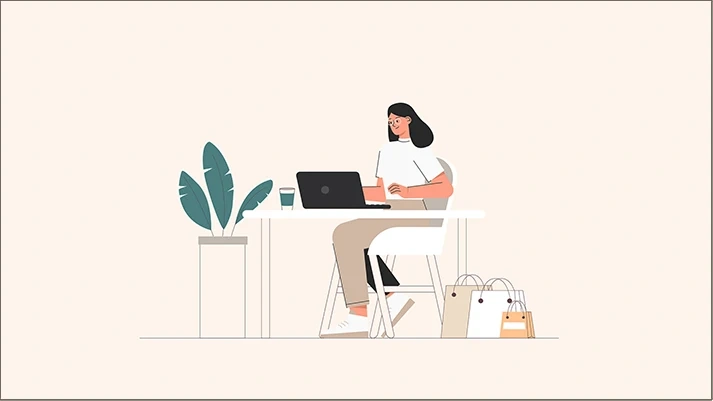
A woman sitting at a desk with a laptop and a plant
01The everyday investor
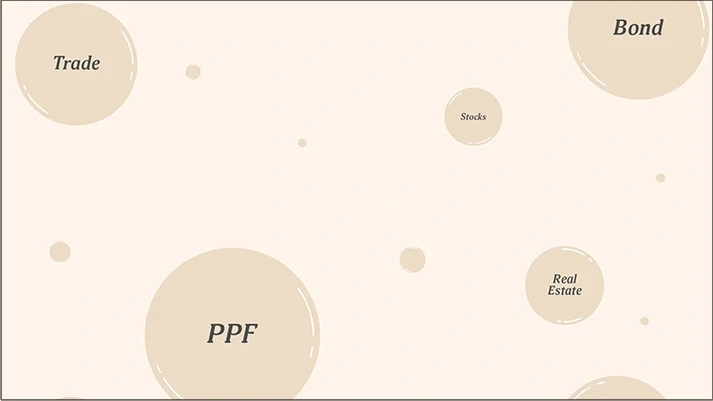
Floating circles labelled with financial terms including Trade, Bond, Stocks, PPF and Real Estate
02A world of financial choices
Bullsmart logo on a cream background
03Introducing Bullsmart
Bullsmart logo during its animated transition
04The brand in motion
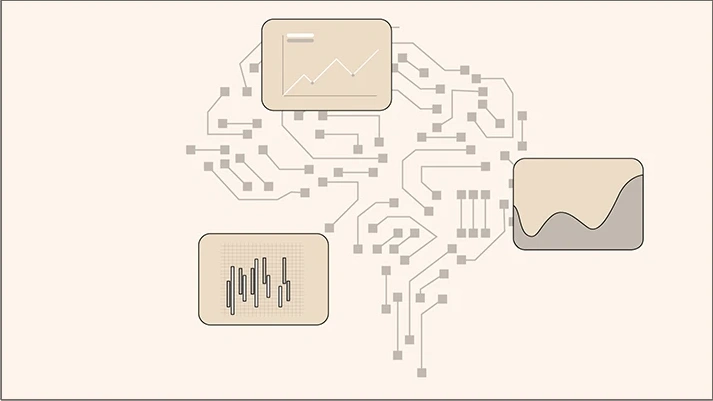
A network shaped like a brain with connected financial charts
05Connected market information
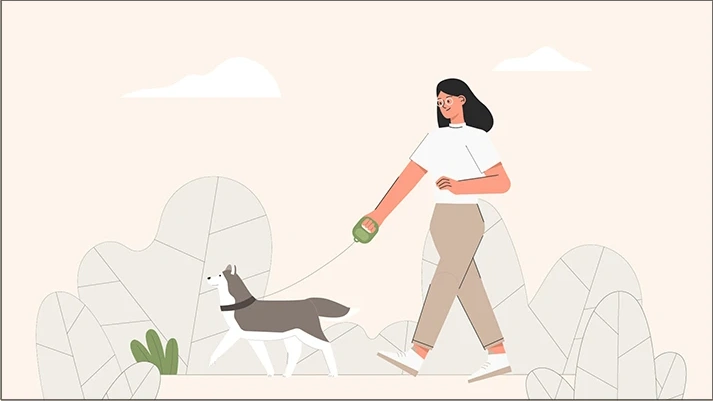
A woman walking a dog past illustrated foliage
06Back to everyday life
Read the project story ↗Watch on YouTube ↗
ALSO CREATED FOR
02 / WHAT WE DO

Big ideas.
Made clear.

A product to launch. A workflow to explain.
Find the right way to tell your story.

01

Product videos

Launching a product or feature? Show what it does, who it helps, and why it deserves a closer look.

PRODUCT LAUNCHES · FEATURE RELEASES · LANDING PAGES
↗
02

Walkthrough videos

Help prospects evaluate a workflow—or help new users complete it—with a clear, step-by-step view of your interface.

PRODUCT DEMOS · ONBOARDING · HOW-TO VIDEOS
↗
03

Explainer videos

When your product takes too long to explain, connect the problem, your solution, and the reason to care.

WEBSITES · SALES PRESENTATIONS · CAMPAIGNS
↗
One creative partner, from storyboard to animation.Storyboards / Visual design / Motion design
03 / HOW WE WORK

From first thought
to final frame.

A typical project takes around two weeks. We confirm the schedule after scoping the film, with time set aside for your reviews.

01 / GET THE STORY STRAIGHT

Discover & script

We agree who is watching, where the film will live, and what they should understand or do next. A product demo and your existing brief give us the starting point.

Your checkpoint Confirm the core message and story before visual development.

02 / SHAPE EVERY FRAME

Storyboard & design

We map the sequence and design the key frames so you can judge the story and look before production.

Your checkpoint Share one consolidated set of feedback and approve the storyboard and visual direction before animation.

03 / BRING IT TO LIFE

Animate & deliver

We animate the approved frames, refine the pacing, and prepare the versions agreed in your brief.

Your checkpoint Review the moving film and confirm the final version for delivery.

THE HANDOVER

A finished film.
Ready for its next screen.

Voice-over, captions, and different aspect ratios are included. We agree the versions you need before production.

Made from your brief
Storyboard, visual design, and animation shaped around your product.
Ready to share
Your final video with voice-over, captions, and the agreed aspect ratios.
Room to refine
Revision rounds agreed for your project, with reviews before animation begins.
Editable source files
Available as a separately quoted add-on. File contents and usage rights are agreed in advance.

The schedule depends on agreed scope, ready-to-use assets, and timely approvals. Extra versions or changes to an approved direction can affect the delivery date; we agree those changes with you first.

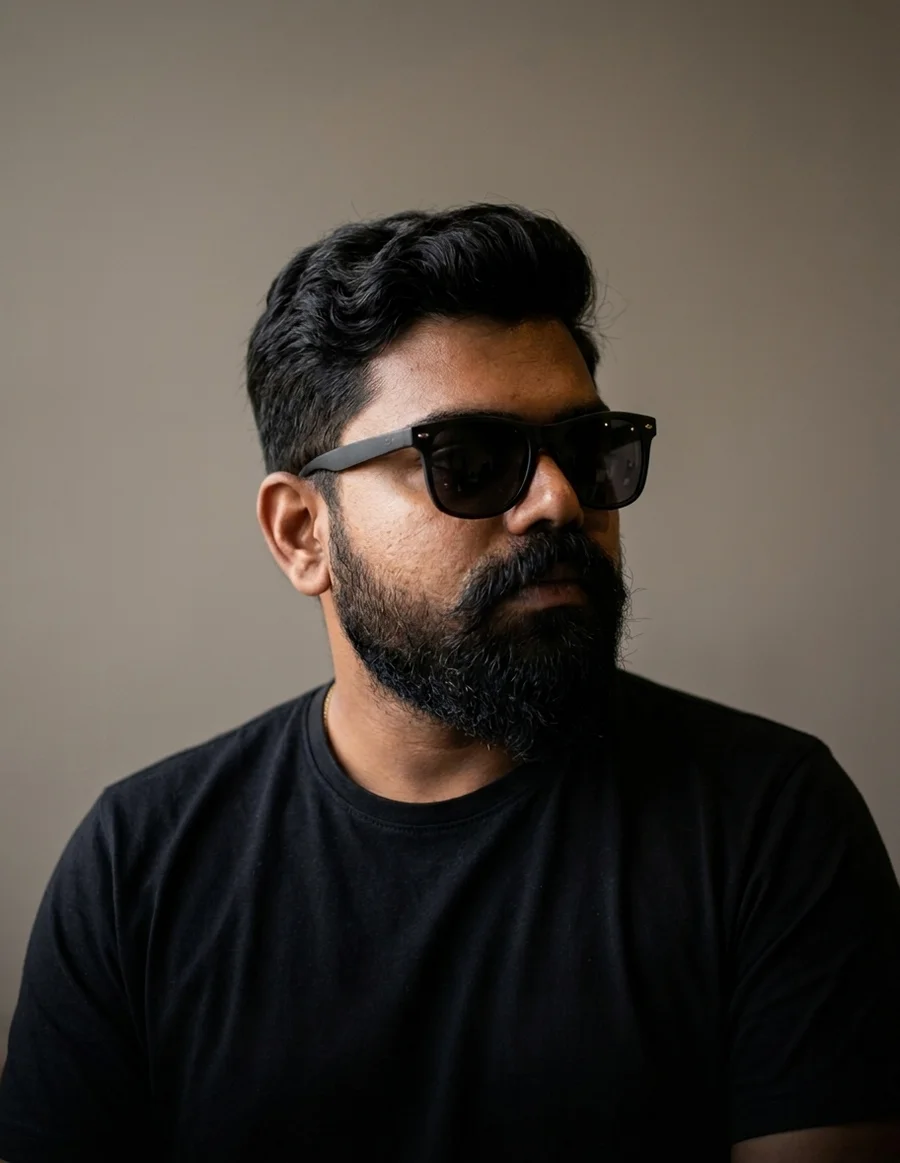
Akshaye, founder and motion designer at Loopframe Agency
AKSHAYE / FOUNDER & MOTION DESIGNER
THE PERSON BEHIND LOOPFRAME

Hi, I’m
Akshaye.

I’m a motion designer with 12 years of industry experience, and I’ve made 100+ explainer videos for SaaS and technology teams, including Siemens Energy, Fractal and Foyr. My job is simple: take a product that takes too long to explain and turn it into a video people actually watch to the end.

Loopframe started when I lost my job and decided to build the company I’d always daydreamed about. I didn’t wait for a perfect plan, and I still work that way: clear story first, polish second.

Away from work, I’m usually playing video games. Apparently, my preferred way to unwind from a screen is another screen. It is what it is.

Let’s talk about your product ↗
04 / THE DETAILS

Common questions.
Straight answers.

What’s included in a project?+

Storyboard, visual design, animation, voice-over, captions, and different aspect ratios are included. Your estimate confirms the film length, versions, revision rounds, and delivery schedule. Editable source files are optional and quoted separately.

How long does a video take?+

A typical project takes around two weeks. We confirm the schedule after reviewing your scope and assets. Longer films, multiple versions, and changes to an approved direction can affect timing; your estimate will set out the review milestones and delivery plan.

Can we start with a document instead of a script?+

Yes. A written brief is a useful starting point. We work through the information with you and shape it into a storyboard, visual direction, and animation.

What about revisions?+

You can review the storyboard and visual direction before animation begins. There is no single revision count for every film: some projects need fewer rounds, others need more. We agree the included rounds in your project brief. Changes to an approved story or design are reviewed for their effect on scope and timing before we proceed.

Are editable source files included?+

Editable source files are optional and quoted separately. We confirm the additional fee, file contents, and usage rights in your project brief before production.

What if our product changes later?+

Tell us if a UI refresh or feature release is on the roadmap. We can discuss future updates and additional edits when scoping the film. Updates and source-file delivery need to be agreed explicitly; they are not assumed to be included.

Do we need to know which video type we want?+

No. Tell us what you want viewers to understand or do. We can help you decide whether a product film, walkthrough, or explainer fits the task.

05 / YOUR NEXT FILM

Big idea?
Let’s size it up.

A few details about your product. A clearer plan for your video.

01 / Tell us the goal02 / Shape the scope03 / Get a tailored estimate

Akshaye reviews your brief and replies by email with the next steps and a tailored estimate. No commitment to book.

Step 1 of 4 · Your goal
What’s the big idea?

Start with what the video needs to do.

Let’s find its shape.

Choose a format—or leave that part to us.

Give us the rough cut.

A polished brief is optional. A little context goes a long way.

Where should the plan land?

Review your choices, then tell us how to reach you.

Submitting sends your brief to Loopframe. We’ll use these details to discuss your project and prepare an estimate. How we handle your information ↗

Prefer a conversation? Email works, too.

PROJECT / 01

Watch on YouTube ↗

STORYBOARD · VISUAL DESIGN · ANIMATION